
Settings
You can reach the Euphoric settings from the left menu by clicking on the Tickets button.
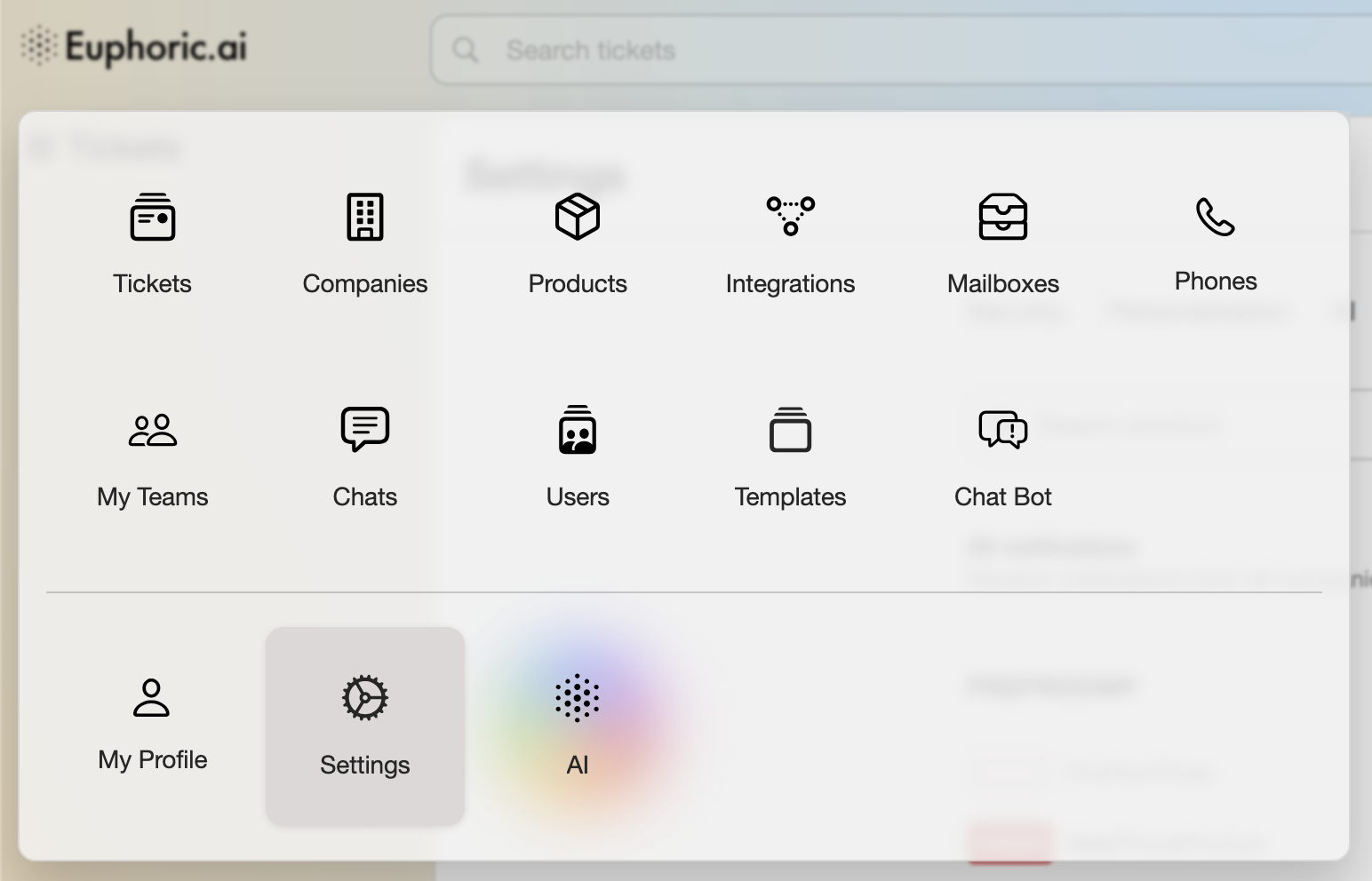
Euphoric Settings are divided by 4 main sections: Security, Personalization, AI and Notifications.
Security & 2-Factor Authentication

For better account protection we recommend adding a second factor to your authentication process with Google Authenticator.
Personalization
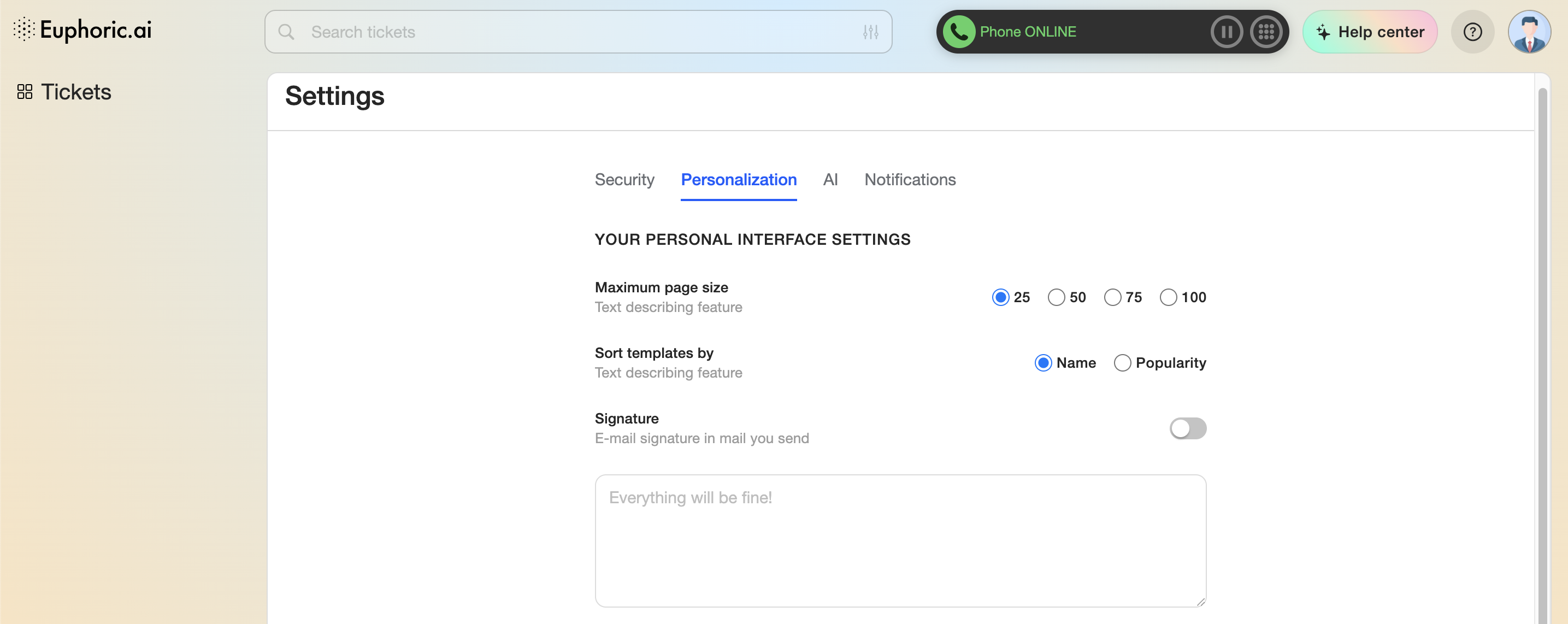
1. Personal Interface settings.
1.1. Maximum page size. This will affect the amount of tickets you will see per every page.
1.2. Sort template by. Sorting templates by their popularity may help spend less time finding the right templates, processing the tickets.
1.3. Add a signature to your every outgoing letter.

2. Appearance
This setting will change the overall Euphoric theme.
AI Settings
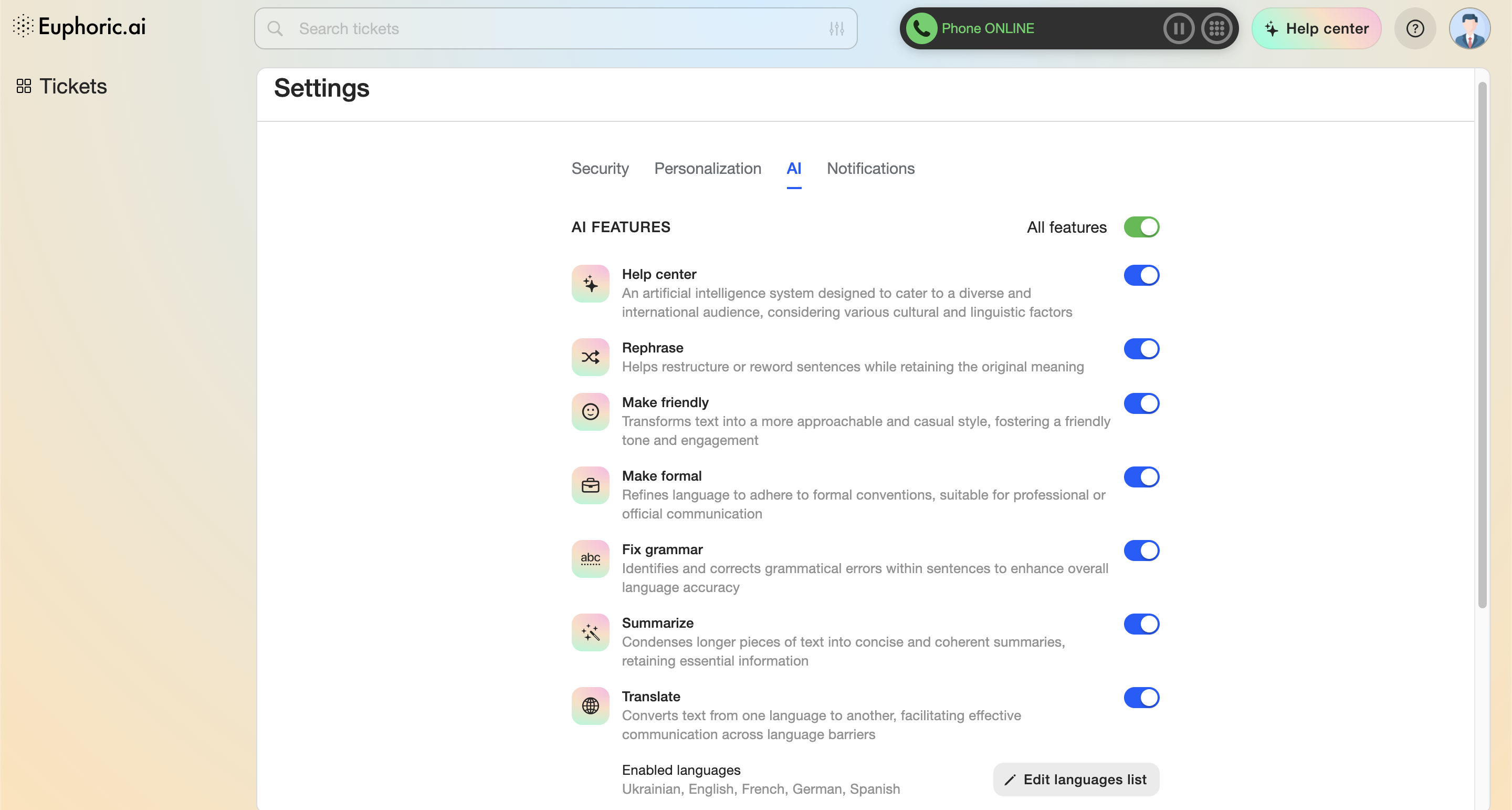
This section allows to adjust the available AI Features.

Currently you can switch between two AI features providers: Open AI, integrating it via its API, or built-in Co-Support.
Notifications
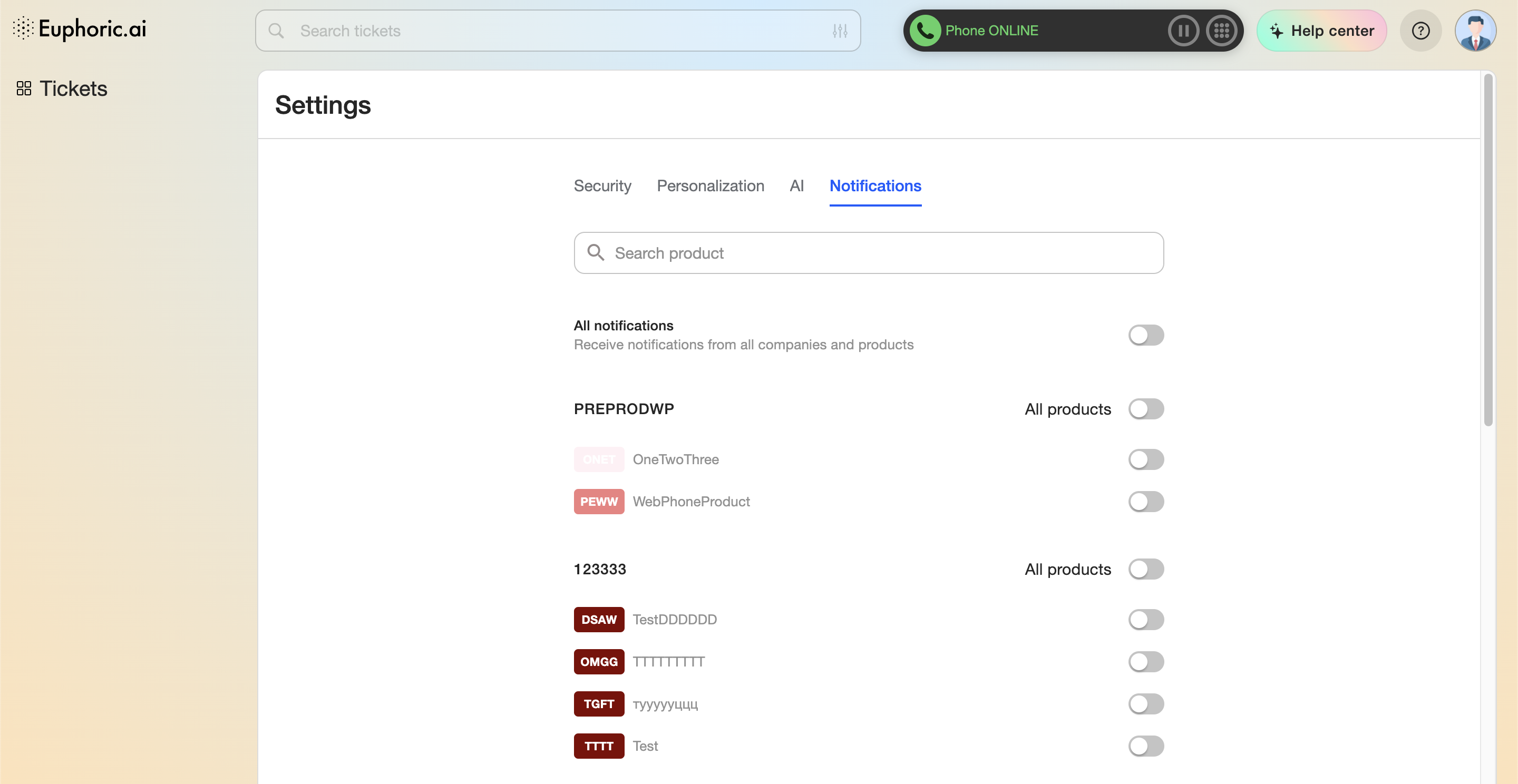
Notifications settings allow to turn on or off notifications for separate products, you have access to.