High Latency and Quality of Internet Connection
The speed and latency of internet connection depends on the quality of existing communications and a technical equipment.
Causes of Internet instability and solutions
-
Low quality of provider's internet infrastructure – maybe it's time to change your internet provider;
-
Wi-Fi/Mobile internet connection – always use cable internet connection when possible. If it's not, use 5 GHz channel for Wi-Fi connection and work as close to the Wi-Fi transmitter as you can;
-
Network load (a number of current users or running network services) – check if there's no excess background services running;
-
System load (heavy RAM and CPU usage – amount of opened apps and tabs in browser) – try to reduce the amount of tabs and background apps, running simultaneously.
-
VPN/Proxy tunneling. It's important to use SUP VPN for work, however, in case if it interrupts your workflow, you can disable it.
How to check your internet speed and latency
-
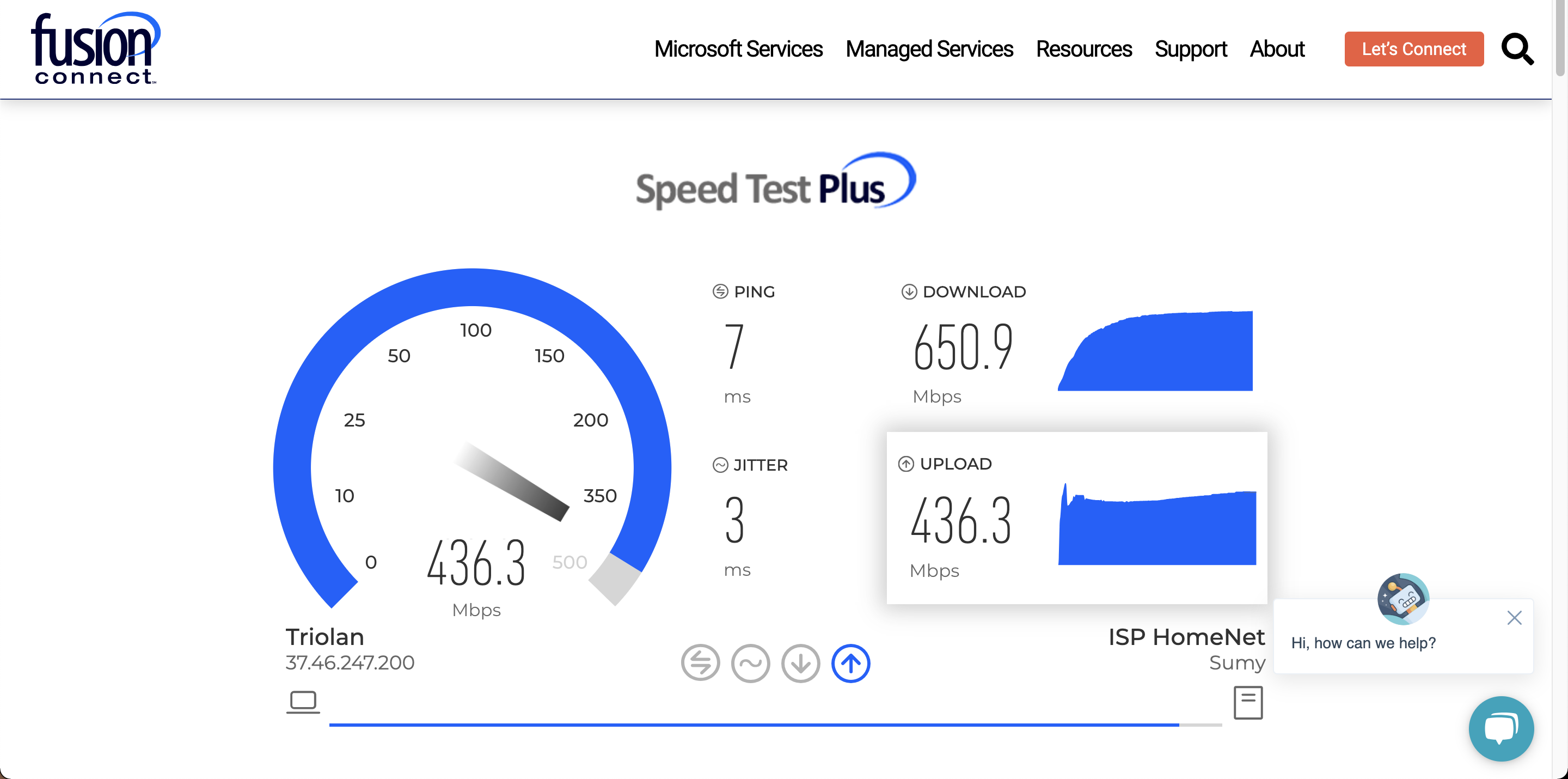
The most convenient way is fusionconnect.com/speed-test-plus or speedtest.net service. The measuring site will also show your latency jitter.
-
Another – Google Meet Troubleshooting, which is good for checking quality of internet connection during calls in particular.
-
And the last – ping command, which is especially good for testing your connection latency to Euphoric.ai site in particular.
You should keep in mind that sometimes VPN may decrease your internet speed and increase the latency, so make sure to measure your connection both – with VPN and without. Include both results into your report, if you want to reach out to the tech team regarding the issue.
How does the tool measures the quality of your internet connection.
-
First, Speedtest or the other platform determines a user's location and the nearest server (you can choose any other);
-
Then, test data is transferred to your computer and back to server, making the necessary calculations;
-
After testing you can see a chart with your average uploading & downloading speed and latency.